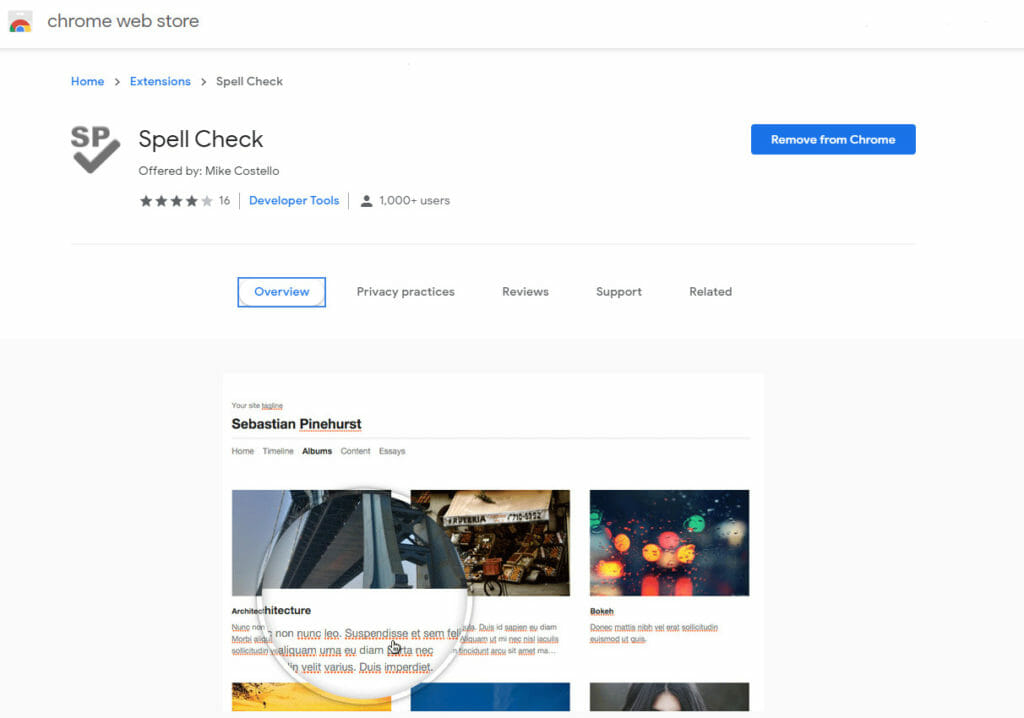
A very easy way to check the spelling on your webpages or client webpages with the click of an icon.
All you need to do is install the Google Chrome extension Spell Check and you just click on the icon and it highlights the spelling mistakes. So easy and fast. I will be using it as soon as I publish this post as it has already found spelling mistakes in my other posts I had missed.

I’ve been building WordPress websites for over a decade, spoken at conferences around the world, and taught countless people how to build and maintain their sites.
I know its a jungle out there finding the right people for website development.
But I’m here to help.
Author Profile – Tony Cosentino